
RAYPCB · ENGINEERING GUIDE
Black PCB Solder Mask: Material Choice, Inspection and Appearance Control
A black PCB normally gets its visible color from black solder mask. The color does not determine copper weight, layer count, laminate performance or manufacturing quality. Choose black mask because it serves a defined product or appearance requirement, then verify the selected material and inspection process.
This page focuses on material identity, visual contrast and repeatable acceptance. The inspection-trial tool helps record known targets and detection results. It does not declare a board better or worse because it is black.
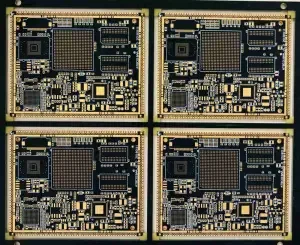
Specify more than the color name
Ask for the exact proposed mask grade and application route for the construction. Black products can differ in gloss, processing and qualified characteristics. A generic black designation is insufficient when a product requires controlled appearance or a particular material performance.
Keep the metallic surface finish separate. Black mask can surround lands carrying different finishes, and those finishes have their own assembly implications. Also specify the legend color and required readability where marking is important. These choices should work together without turning an appearance preference into an ambiguous fabrication note.
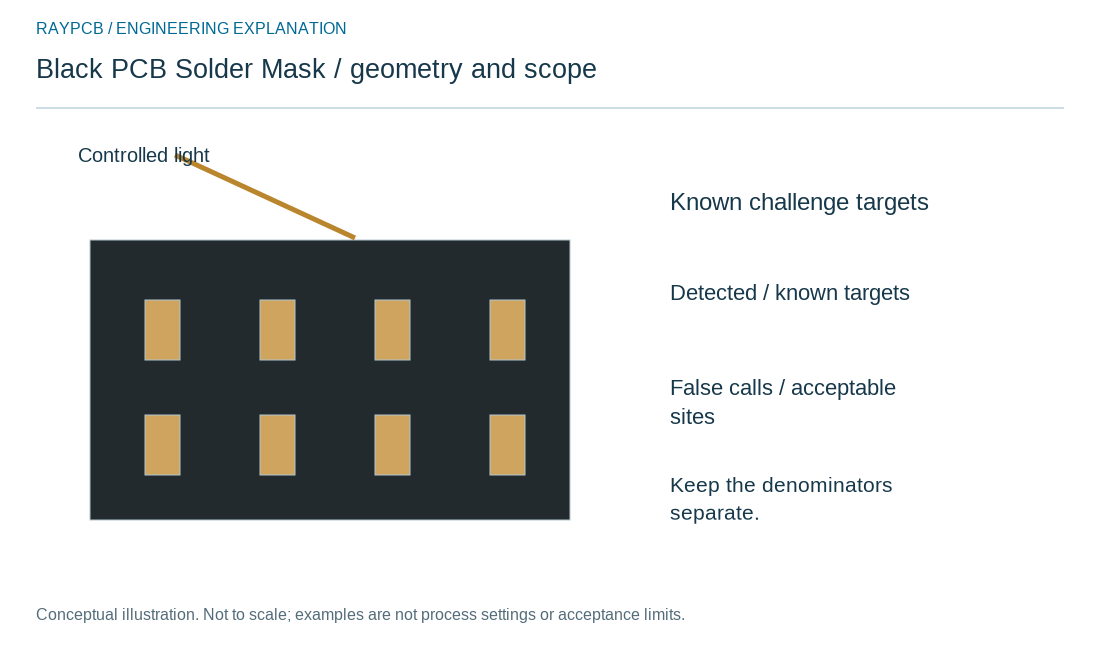
Evaluate contrast at the features you inspect
Trace visibility, pad boundaries, solder joints and legend may respond differently to lighting and surface appearance. An inspection setup optimized for another board can need review when the mask changes. That does not mean black mask is inherently uninspectable or that every camera requires the same adjustment.
Use representative geometry and known challenge features. Record illumination, viewing angle, exposure and the condition of the sample. A dramatic photograph taken for marketing is not evidence of inspection performance. Compare the actual task under the conditions that will be used to accept the board or assembly.
| Review item | What to establish |
|---|---|
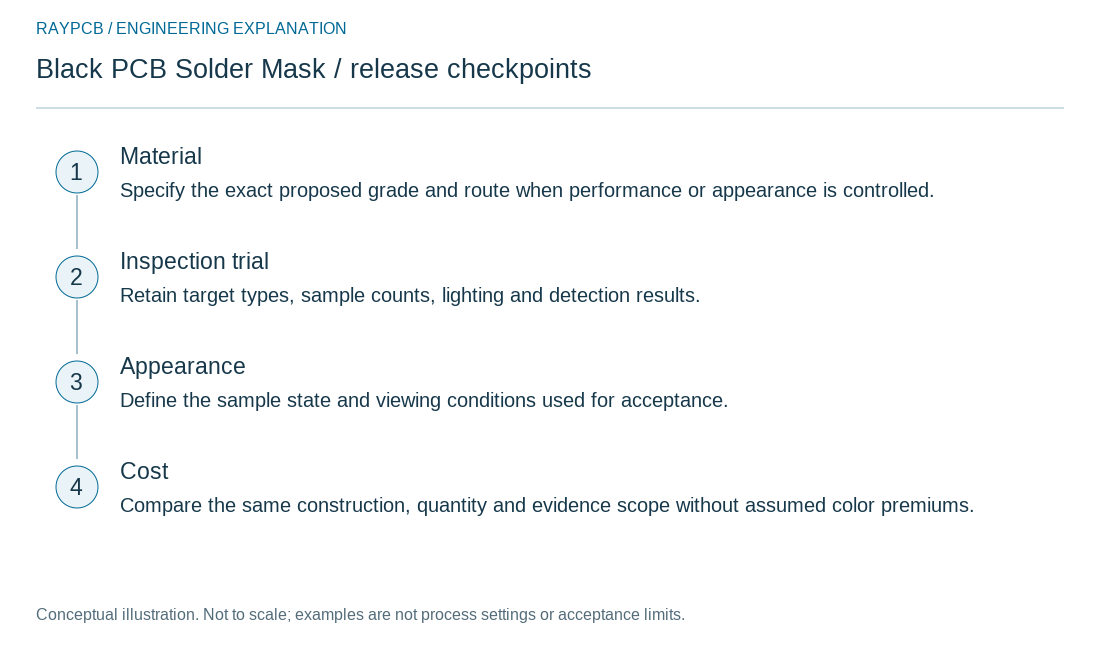
| Material | Specify the exact proposed grade and route when performance or appearance is controlled. |
| Inspection trial | Retain target types, sample counts, lighting and detection results. |
| Appearance | Define the sample state and viewing conditions used for acceptance. |
| Cost | Compare the same construction, quantity and evidence scope without assumed color premiums. |
Inspection challenge and false-call fractions
Inspection challenge and false-call fractions
Use the current inputs and keep the assumptions
Start with the feature or process question you actually need to resolve. Fields are blank until you enter values or deliberately load an illustrative example. Example mode remains labeled after editing, so a sample is not silently presented as verified project data. Clear the example before preparing a project-specific record.
Use the units printed beside each input. Keep the drawing revision, measurement basis and source of any allowance in your controlled project records. A field that asks for a limit expects your agreed requirement; the example is not an IPC threshold or a statement of RAYPCB capability. A numerical result should lead to a focused review, not replace it.
Changing any input invalidates the displayed result and disables its download until you calculate again. The text download contains the current inputs, results and assumptions. Nothing is uploaded, stored in analytics or automatically transferred into the Contact form. You may attach the file manually if it helps explain your enquiry; completing the worksheet is optional.
| Input | What to establish before using it |
|---|---|
| Review reference | Use a nonconfidential reference to connect this worksheet to the correct design or process revision. |
| Known challenge targets | Count a defined set of known features; record type and severity separately. |
| Challenge targets detected | Must not exceed the known target count. |
| Known acceptable comparison sites | A separate denominator for false calls, not all challenge targets. |
| False calls on acceptable sites | Must not exceed the acceptable comparison-site count. |
Optional cost comparison from your own allowances
Use a quotation or a clearly labeled internal assumption for each input. Keep the quantity, construction and inspection scope the same when comparing alternatives. This uncalibrated planning model adds entered values; it contains no current market rates and does not issue a RAYPCB quotation. You can contact the team without completing it.
Entered process and inspection cost scenario
Read the detection worksheet correctly
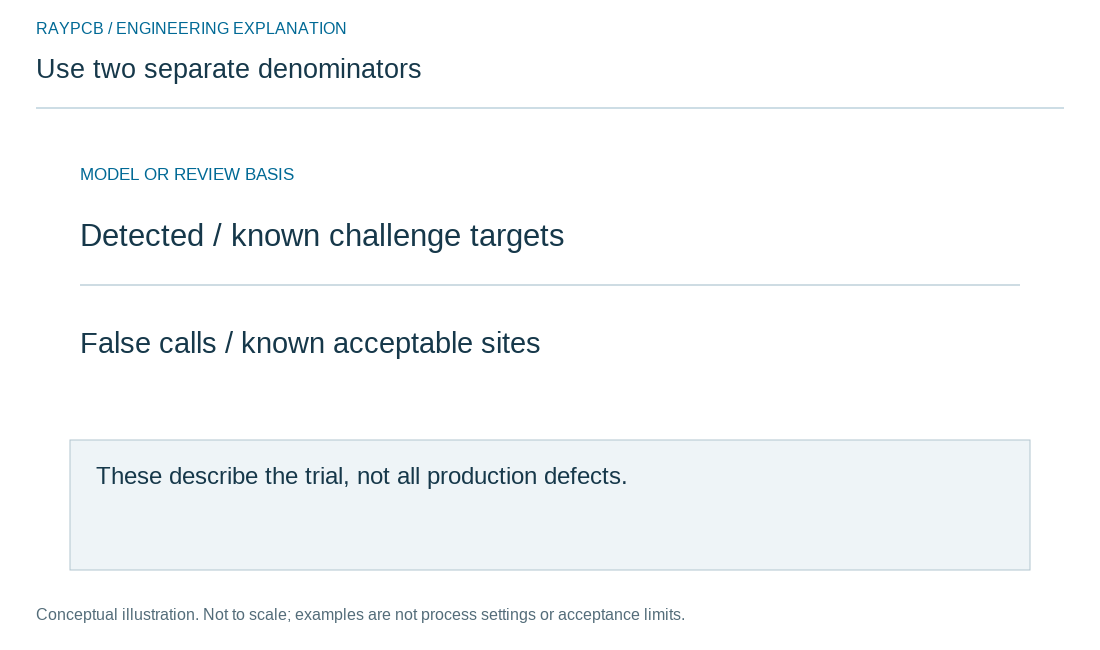
Enter the number of known challenge targets and how many were detected, then separately enter acceptable sites and false calls. The tool reports detection and false-call fractions with their own denominators. It rejects counts that exceed the relevant sample population.
These results describe the entered trial only. They are not production defect rates, confidence bounds or a guarantee that all failure modes will be detected. Keep the type and severity of each challenge visible in the trial record; finding easy examples does not establish performance on the difficult target that matters most.
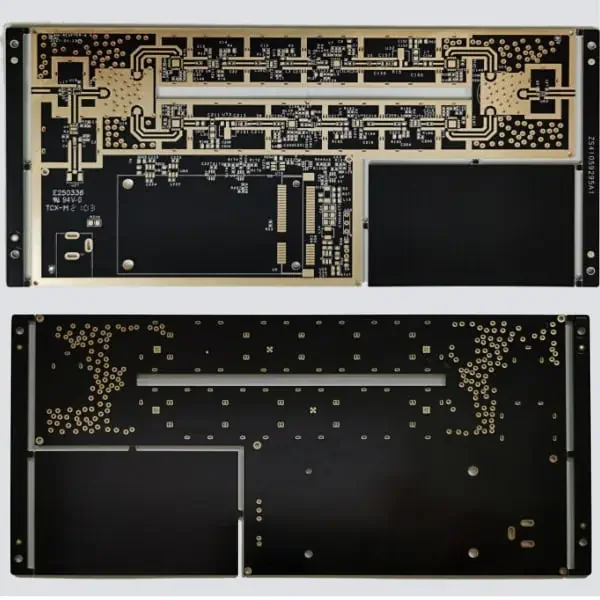
Control appearance with a useful reference
If the PCB is visible in the finished product, identify the customer-facing regions and the intended viewing conditions. An approved physical sample or defined measurement can provide a more repeatable basis than a screenshot. Agree whether the appearance is assessed before or after assembly and cleaning.
Consider gloss separately from color using the matte-versus-glossy guide. A black surface under directional light can look different from the same surface under diffuse light. Do not treat those photographs as proof of a material change without checking the conditions.
Review fine features in the proposed process
Mask material and imaging route affect the manufacturing discussion. Ask for review of critical openings, narrow webs and copper topography using the actual data. Do not import a universal black-mask minimum from another supplier and present it as a RAYPCB capability.
The bridge-design page provides the geometric check, while the application-control page covers the manufacturing sequence. Color selection should connect to those task owners instead of repeating an unsupported list of generic process limits.
Compare cost on a consistent scope
The optional cost tool adds allowances that you enter. Use it to compare the same board construction and quantity with different material or inspection scopes. It contains no automatic black-color surcharge and no current market price.
Ask the quotation to identify the proposed grade, any sample approval and any additional inspection or setup included. A higher total may reflect a different evidence scope rather than color alone. Conversely, an unchanged unit price does not establish that the proposed material and process are technically identical.
Prepare the design handoff
Send the board data, appearance requirement, required marking and any fixed material specification. Include representative critical regions and whether the PCB will remain visible in the product. If changing from an established mask, identify the approved baseline and the reason for the change.
A useful review should address material, manufacturing and inspection together. This gives engineering a controlled change and procurement a comparable proposal. It also avoids a common misconception: the color can support a product's appearance, but it cannot substitute for evidence of the board's construction and quality.
Make an appearance choice measurable without overstating it
Start by deciding whether appearance has a product function, an inspection function or a preference function. A visible consumer product may need a controlled reference. An internal board may need only an agreed material and readable marking. An optical board may need wavelength-dependent evidence. These are different scopes and should not receive the same acceptance note by default.
Retain the sample state and observation conditions. Lighting, viewing angle, camera settings and downstream exposure can change what a surface looks like. Comparing photographs without that context can create an apparent material difference or hide a real one. Where measurement is required, use the quantity and method appropriate to the task.
Keep color, gloss and other material properties separate. A color name does not establish thermal performance, electrical insulation, adhesion or manufacturing precision. If those properties matter, request the exact grade and the relevant evidence. Do not accept a visual match as an automatic material substitution.
For an inspection change, use known targets and acceptable comparison sites with recorded conditions. Preserve the target types as well as the counts. A single fraction is only a summary of that trial and does not describe every defect the production process must detect.
For purchasing, define the same construction and evidence scope before comparing totals. Include sample approval, controlled material identity and any extra verification only where they serve the product. This avoids both unnecessary cosmetic cost and an underdefined appearance requirement that causes disputes after delivery. A precise material decision builds more confidence than a claim that one color is inherently professional or premium.
Standards, source context and limits
Use the official references for their stated scope and the applicable controlled document for contractual requirements. A public scope page, product description or application note is not a complete acceptance specification. Material-supplier guidance applies to the named material and process; it is not evidence that every option is available for this board.
Agree the document revision, construction, inspection method and any exceptions with the responsible engineering and quality teams. The explanatory drawings and worksheet examples on this page are original planning aids, not factory records, qualification results or compliance certificates.