RAYPCB · ENGINEERING GUIDE
Electronic Circuit Board Components: Identify Functions Before Replacing Parts
Electronic circuit board components make more sense when read as functional groups. A processor, regulator, connector and nearby passive parts each play a role in moving power or information through the product. Package appearance can suggest where to investigate, but it does not reliably establish a component's exact identity or electrical limits.
This guide develops a practical identification workflow using the board, schematic and BOM together. Its reference-list worksheet helps organize observed identifiers and detect duplicates. It does not recognize components from an image or recommend replacements. For prefix conventions themselves, use the PCB component abbreviations reference.

Start with the board's function and available records
Identify the product, board revision and reason for the inspection. Locating a connector, understanding a power path and investigating a failed measurement are different tasks. A focused question makes the available markings and documents more useful than attempting to name every package at once.
Obtain the schematic, BOM and assembly drawing when available. Match their revision to the physical board and note any population variant. A correct datasheet for a part on a different revision can still lead to a wrong conclusion about the assembly in front of you.
For an unknown or potentially hazardous board, visual identification does not establish that it is safe to power, probe or handle. Use the appropriate equipment and procedures for the actual system. This page is a documentation and identification guide, not an energized troubleshooting instruction for unidentified equipment.
Group the board into power and signal functions
Locate the obvious external connections and follow them into functional regions using the schematic where possible. Power conversion often includes a controller or regulator with capacitors and sometimes magnetic components. Digital processing may have memory, clocks and programming access nearby. These are clues, not proof from appearance alone.
Identify where signals enter, are conditioned, converted, processed and leave the board. The signal-conditioner guide explains why a small analog region can contain more than a gain stage. The sensor integration guide connects component placement to the physical quantity being measured.
Avoid assuming physical proximity always establishes electrical function. Multilayer routing can connect distant parts, and a crowded board can place unrelated circuits near each other. Confirm the path from connectivity and controlled records rather than drawing a conclusion solely from a photograph.
| Review item | What to establish |
|---|---|
| Context | Product purpose, board revision and the specific identification task. |
| Evidence | Schematic, BOM, package marking and physical location used together. |
| Function | Power and signal roles distinguished from visual guesses. |
| Uncertainty | Confirmed identities separated from unresolved markings. |
| Decision | Substitution or assembly approval requires controlled specifications. |
Component reference uniqueness check
Use the current inputs and keep the assumptions
Load the example to learn the worksheet, then clear it before entering your project values. Blank fields are not silently converted to zero. Units and selected conventions belong to the result, so review them together with the numbers. Editing any input invalidates the previous result and disables its download until you calculate again. Edited example data remain labeled as an illustrative example.
This tool runs locally on the values you enter. It does not open a schematic, select approved components, measure signals or inspect a physical board. Keep the exact component documents and a record of measurements with the design. Downloading the text report does not send an enquiry or populate the Contact form. Attach it manually if it helps explain a specific engineering question; completing the worksheet is optional.
| Input | What to establish before using it |
|---|---|
| Review reference | Use a nonconfidential revision reference. |
| Individual references | Whitespace, comma or semicolon separated. Expand grouped ranges first; case-insensitive duplicate detection. |
Distinguish passive components by more than color
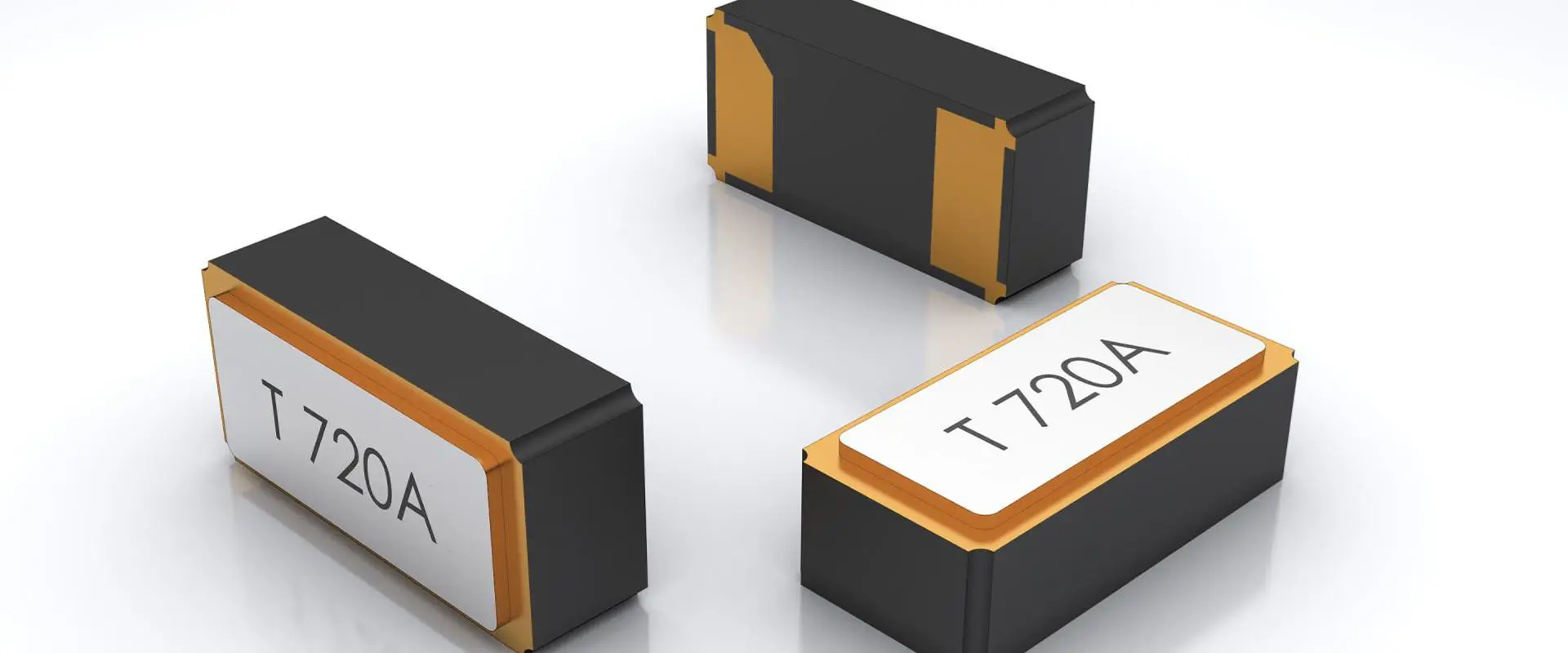
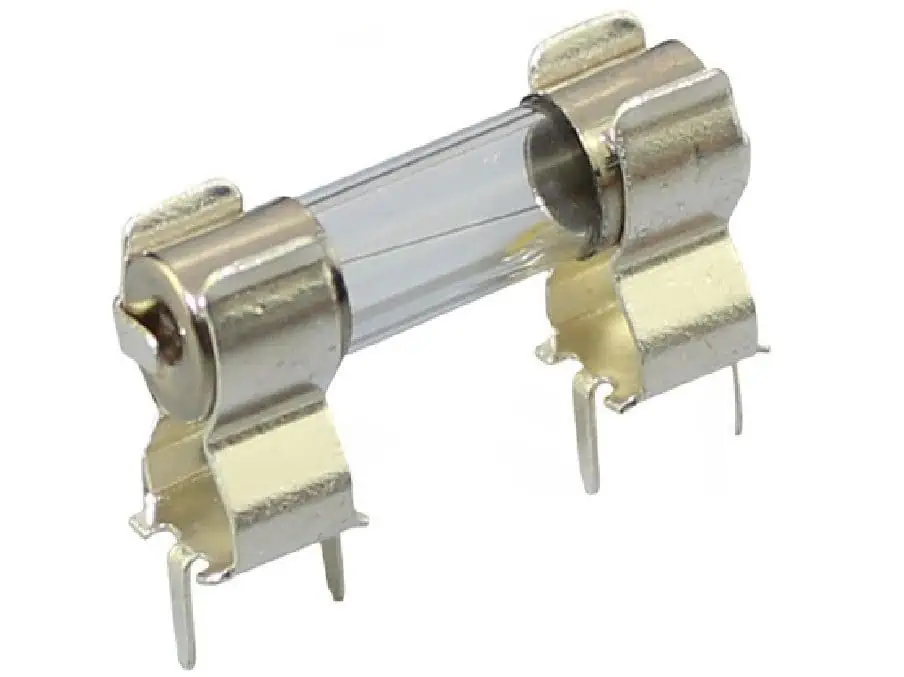
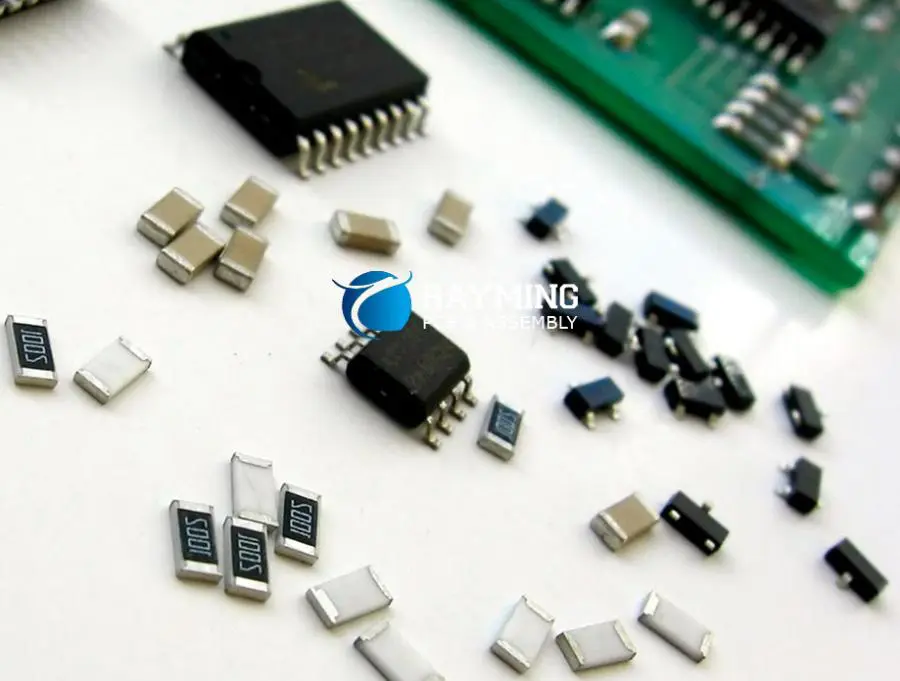
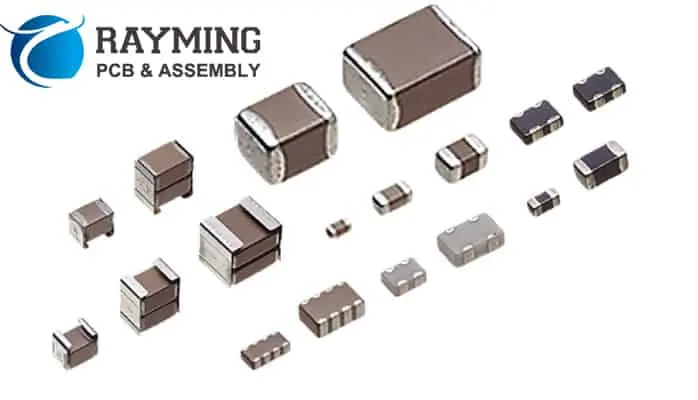
Resistors, capacitors, inductors and protective components can appear in similar surface-mount packages. Markings may be absent or abbreviated. Use designators, schematic symbols, dimensions and the BOM together when establishing identity.
For a passive part's role, ask what it does in the circuit: bias, filtering, energy storage, sensing, termination or protection. That role helps identify which specifications matter. A small capacitor in a precision input path and a capacitor at a regulator output can have different requirements despite a similar appearance.
Do not choose a replacement solely from a measured nominal value or package size. The passive selection worksheet addresses ratings and effective values with explicit assumptions. It cannot determine the original approved component from an unmarked physical package.

Read active devices through their exact documentation
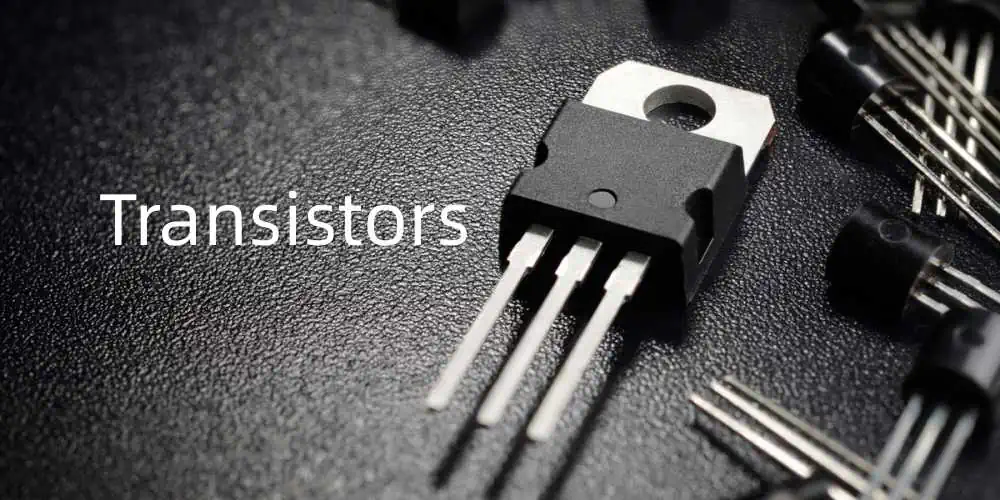
An integrated circuit may combine several functions, while a transistor or diode package may contain multiple internal elements. The visible package outline does not identify the pin assignment or internal circuit. Use the manufacturer marking information and full part identity where available.
Confirm orientation using the actual package drawing and board documentation. A dot, notch or printed mark can be meaningful, but its interpretation belongs to the selected component. Do not generalize one package's marking rule to every visually similar part.
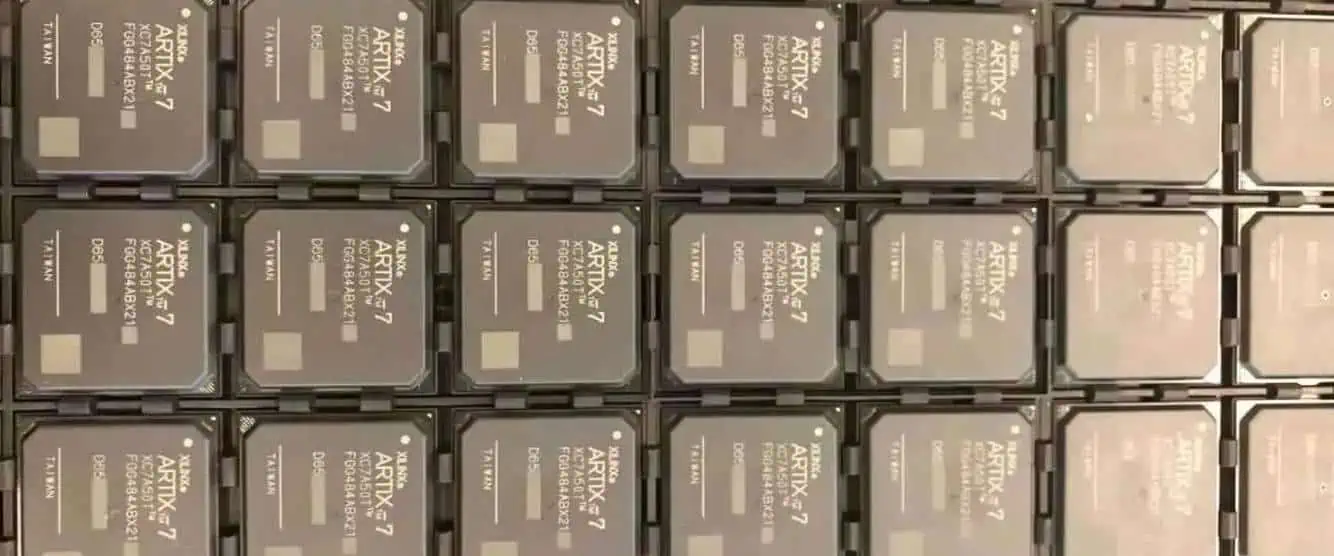
For a controller board, connect the processor to its supporting power, clock, reset and external interfaces. The microcontroller architecture page offers a functional map. Knowing the processor family alone does not establish the whole board's voltage limits, firmware or application behavior.
Treat connectors, switches and sensors as interfaces
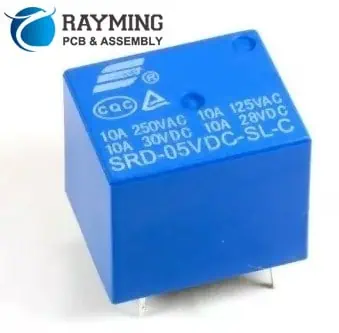
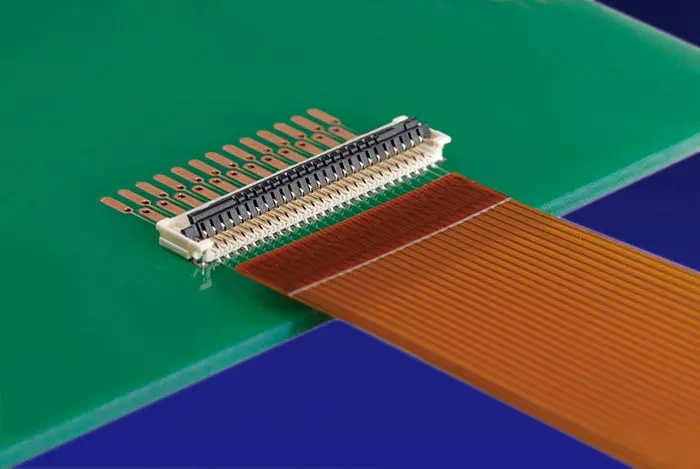
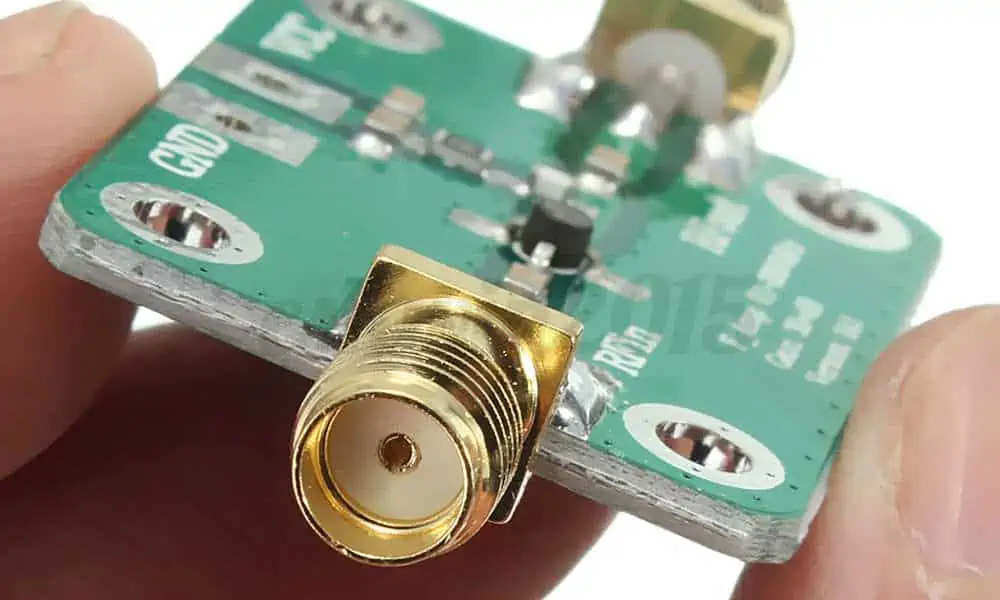
Mechanical components have electrical and physical requirements at the same time. A connector needs the correct mating relationship; a switch needs the correct contact arrangement and actuator behavior; a sensor needs the right relationship with the measured environment.
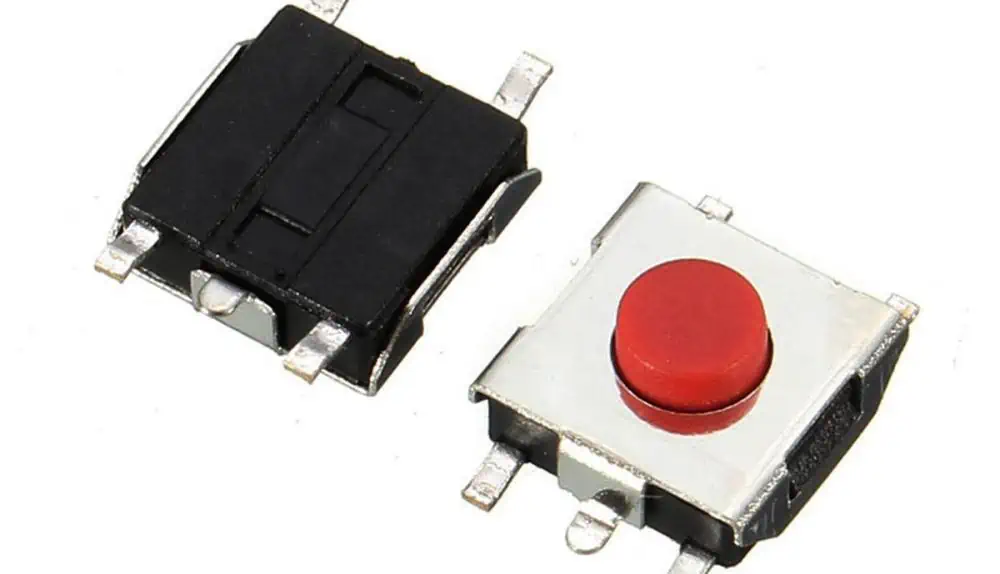
For a switch with several terminals, read the internal connection drawing before assuming each terminal is an independent switched contact. The PCB switch footprint review focuses on that problem. For connectors, exact mating parts and supported loading matter more than a generic description such as two-row header.
These interface components often define the product's service and test access. Preserve their labels, orientation and mechanical context in an identification record. An electrically plausible substitute can still be unusable because it changes mating height, actuation or enclosure fit.
Build an observation list without inventing missing identities
Record each visible reference, location, marking and the source used to identify it. Separate confirmed part identities from tentative functional guesses. If a marking cannot be resolved, leave it unresolved instead of assigning the first visually similar search result.
The worksheet accepts an individual-reference list and highlights duplicates. It can help avoid accidentally treating two observations as two separate components when both refer to the same designator. It does not inspect the photograph, recognize values or compare the observations with a complete BOM.
Use consistent board orientation and reference points in photographs or drawings. Preserve the original observation alongside any annotation. This makes a later review more reliable than a list of component names without positions or revision context.
Connect identification to a controlled build decision
If the purpose is assembly, use the approved BOM and placement data rather than reconstructing the order from visual inspection. If the purpose is a substitution review, identify the circuit-sensitive characteristics and the required verification. Identification is the start of that decision, not an approval in itself.
Keep unavailable parts, unpopulated locations and possible damage separate in the record. They require different actions. A missing component can be an intended variant, a documentation gap or an assembly issue; the physical absence alone does not decide which.
When requesting RAYPCB support, provide the board revision, available design files and a specific component or assembly question. Include useful photographs as context while recognizing their limits. A clear distinction between confirmed records and unresolved observations makes the enquiry more productive.
Preserve the evidence after the question is resolved
Update the controlled BOM or drawing through the project's revision process when an approved change is made. Retain why the change was accepted and what was checked. A replacement that works in one brief demonstration may not have been evaluated over the full product requirement.
Keep procurement descriptions tied to exact approved parts and alternatives. Functional names such as regulator, sensor or connector are useful for understanding the board but are too broad for many assembly decisions. Reuse the verified identity in future orders instead of repeating visual guesswork.
The result of a good component review is a board that is easier to explain and reproduce: functions are understood, identities are traceable and uncertainty is visible. It is not a claim that every package can be identified or safely replaced from appearance alone.
Keep component identity connected to the released design
Use the reference designator to connect the schematic, PCB placement, bill of materials and inspection record. Use the exact approved manufacturer part number to define the component. These are complementary identifiers: a designator tells the team where a part belongs, while the controlled part definition tells them what may be fitted there.
Record population options and approved alternatives explicitly, including the revision to which they apply. If a substitute changes a characteristic that matters to the circuit or process, preserve the engineering review and required verification. A visually similar package or matching nominal value is not sufficient evidence of interchangeability. Before assembly, reconcile quantities and references across the files and identify unresolved rows so purchasing does not have to infer a design decision from an incomplete description.
Standards, source context and limits
The referenced manufacturer documentation supports specific devices, interfaces or design methods. Apply the version and operating conditions appropriate to the actual part. A similar product name is not evidence that pin functions, voltage tolerance, startup behavior or package dimensions match. Worked examples illustrate reasoning and arithmetic; they are not released schematics or independent hardware test results.
For fabrication scope and the agreed construction requirements, see PCB manufacturing.